Encountered a problem?

search

We’re on duty, 24/7!

Welcome to the hub! Our Support Team is here to ensure that you have the best possible experience, so please don't hesitate to reach out to us if you have any questions or concerns. We're here to help!
  • Orders
    Orders
  • Account
    Account
  • Payments
    Payments
  • Other
    Other
Pinned
My SMART prices disappeared after activating SMART. Why? thumb_up 888 keyboard_arrow_down

Most likely, you have already had a Smart subscription in the past or did not use the promotion correctly.

Please check our other article LINK.

We also recommend contacting our Support Team either via chat or ticket, they will help you as quickly as possible.

Was this helpful?
Still have a problem?
Popular
Why did I pay more than it was shown on the site? thumb_up 378 keyboard_arrow_down

The final price of the order always includes the mandatory service fee and taxes. You can check the entire cost before checkout in your shopping cart once prompted to choose the payment method.

Was this helpful?
Still have a problem?
I didn't get my key but I was charged thumb_up 755 keyboard_arrow_down

Please double-check the status of your order. If it says canceled or pending, then most likely we have not received any funds for it and the deducted amount will be returned to you by the payment provider chosen for the transaction within a few business days. For more information, you can always contact our Support Team.

Was this helpful?
Still have a problem?
Smart Free Game thumb_up 6535 keyboard_arrow_down

The free game offer is available after the third month of subscription, only for members whose Smart subscription was renewed for the first time on and after June 8th, 2022. 

The prize expires after a week if it will not be redeemed earlier.

Note that the code is always meant for Steam.

Was this helpful?
Still have a problem?
How can I cancel my SMART subscription? thumb_up 1146 keyboard_arrow_down

You can cancel the renewal of your SMART subscription at any point in the Gamivo SMART Pass section of your GAMIVO.

Simply scroll down and click on "Deactivate Gamivo SMART Pass." 

In case you decide to cancel the subscription on the same day you activated it, please make sure you confirm it in the email that comes within 24 hours from the cancellation request.

Was this helpful?
Still have a problem?
Can I choose my GAMIVO SMART free game? thumb_up 152 keyboard_arrow_down

Unfortunately, you cannot.

The free game that comes with SMART subscription is completely random.

Was this helpful?
Still have a problem?
How can I delete my payment details from SMART? thumb_up 295 keyboard_arrow_down

Rest assured that we do not store nor have access to your payment details - all payments are handled by the payment method provider. The censored and incomplete information you see in the subscription details is there to let you know which payment method is being used to pay for the subscription and serves as evidence of payment. Once your subscription expires, that information will no longer be visible on your GAMIVO account.

Was this helpful?
Still have a problem?
What is SMART? thumb_up 81 keyboard_arrow_down

SMART is our premium subscription service that guarantees you the lowest prices and additional exclusive features.

These include:

  • Customer Protection Program for the whole SMART subscription period (no need to buy it for each order/product),
  • Customer Service Live Chat Access,
  • Pre-order Delivery Priority,
  • Exclusive Discounts,
  • Best deals Alerts,
  • Outstanding Giveaways.

For more information visit our dedicated page.

Was this helpful?
Still have a problem?
How can I change the payment method for SMART? thumb_up 54 keyboard_arrow_down

To change the payment account for your subscription, please go to the Gamivo SMART Pass section of your account. In the Payments and transactions tab, click the Change button.

The supported payment methods for SMART are currently PayPal and card payments.

Was this helpful?
Still have a problem?
Will I be charged for SMART if my order is canceled? thumb_up 59 keyboard_arrow_down

SMART is activated the moment your order is completed so you can rest assured that you will not be charged for it. Moreover, you will receive an additional confirmation email to let you know about the details of the subscription.

In case of any questions or issues with your payment, please contact our Support Team.

Was this helpful?
Still have a problem?
How does SMART work? How do I subscribe? thumb_up 32 keyboard_arrow_down

You can activate SMART in three ways:


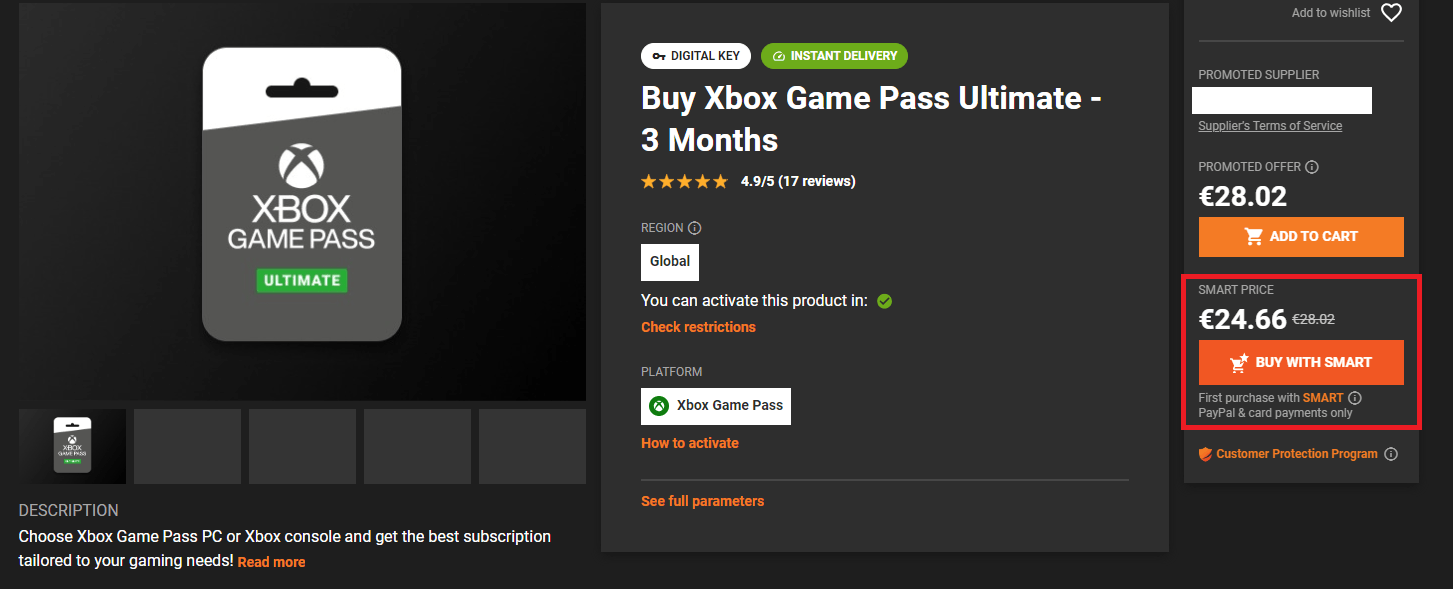
  1. As a part of our special offer by choosing to buy a product you are interested in with the Smart Price,
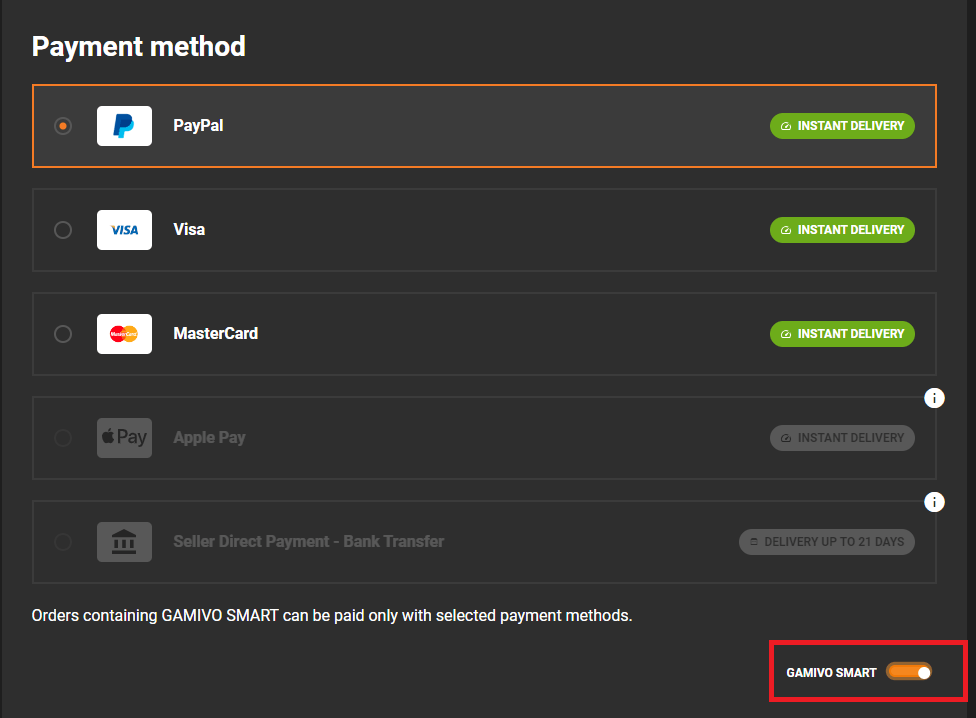
  2. As a part of your order by choosing the supported payment method,
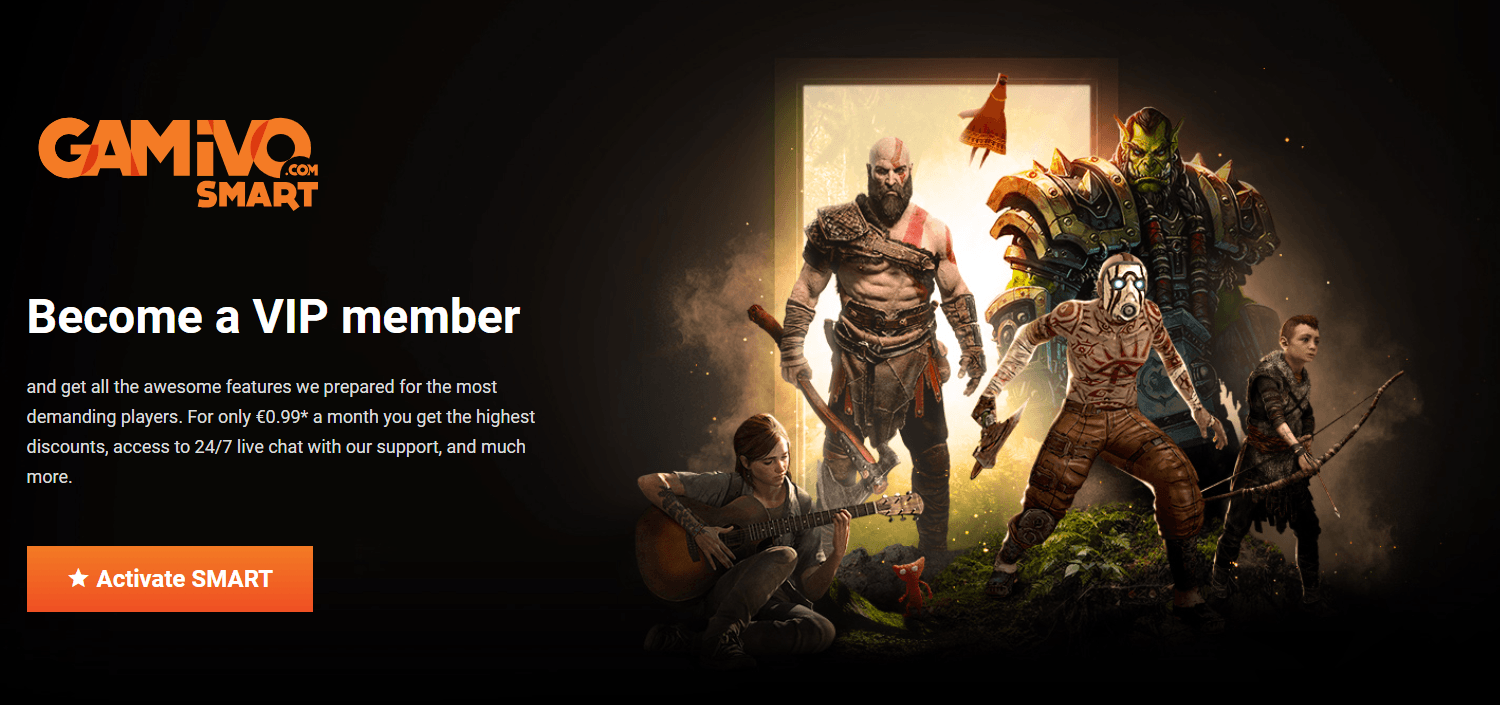
  3. Separately, from our SMART page.

Currently, the supported payment methods for SMART include PayPal and credit/debit card payments.

Was this helpful?
Still have a problem?
BASKET-SMART Price thumb_up 5 keyboard_arrow_down

Smart Price offer (BASKET-SMART coupon) is available only to new subscribers. To take advantage of this promotion correctly, please make sure that you are choosing the SMART Price on the product page. Note that, the subscription must be purchased simultaneously with the product, otherwise, the promotion will not appear.


Bear in mind that the coupon can be used on orders with a value of up to €250.


Was this helpful?
Still have a problem?

Still need help? We've got your back!

Create a ticket and describe your problem, and we will do our best to help you.